Find your way around
Home, the sidebar, search, and your account menu in the IntegraCI portal.
The portal is the single front door to IntegraCI. Day to day you onboard, deploy, approve, and monitor from here, without logging in to each delivery tool separately.
Home
After signing in you land on Home. It answers “what needs me now?”: the decisions waiting for you, the deployments on their way to Production, and today’s deployment windows and freezes.
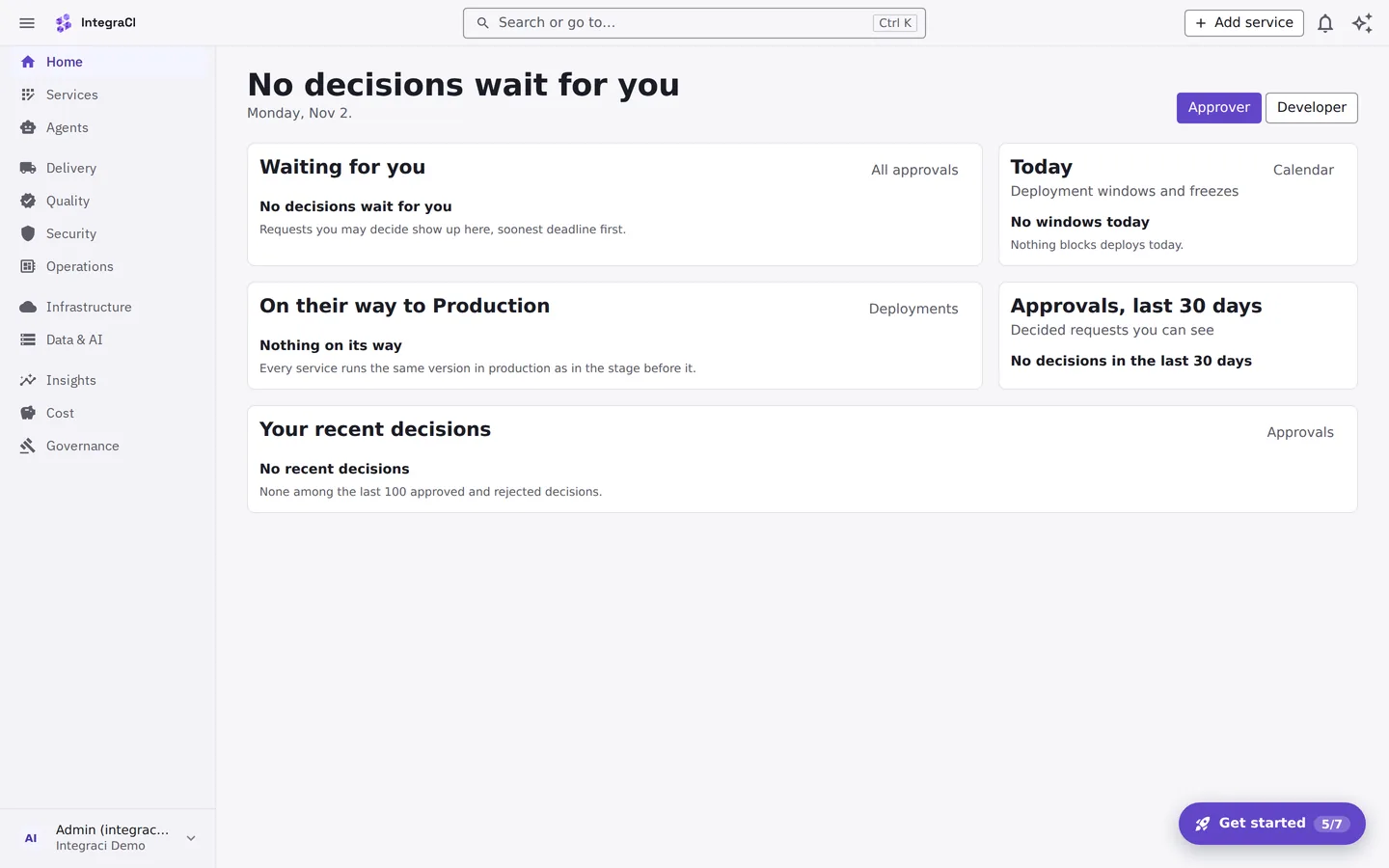
Home. The sidebar is on the left, search and Add service are along the top, and your account is at the bottom left.
Across the top of every page you find:
- Search or go to… (or press Ctrl K) to jump to any page or service by name.
- Add service to bring a new service onto the platform. See Add your first service.
- The bell for your notifications.
- The sparkle icon, which opens the IntegraCI Assistant to answer questions about your services in plain language.
The sidebar
| Menu | What you find there |
|---|---|
| Home | Decisions waiting for you, deployments heading to Production, today’s windows |
| Services | The catalog of all services, templates, and documentation |
| Agents | AI agents and their runs |
| Delivery | Deployments, pipelines, releases, artifacts, test environments, feature flags |
| Quality and Security | Code quality, test results, findings, and security posture |
| Operations | SLOs, incidents, logs, and metrics |
| Infrastructure and Data & AI | Clusters, targets, databases, and AI resources |
| Insights, Cost, and Governance | Delivery metrics, cost, policies, standards, and audit |
What you see depends on your role and on what your organization has turned on.
Your account menu
Click your name at the bottom left to open the account menu. From there you reach your Profile, Settings, Organization (administrators), Help & support, the theme switch, and Sign out.
Under Profile → Login & security you can turn on two-step verification, change your password, and see or sign out your active sessions.
Next
Bring your first service onto the platform: Add your first service.